


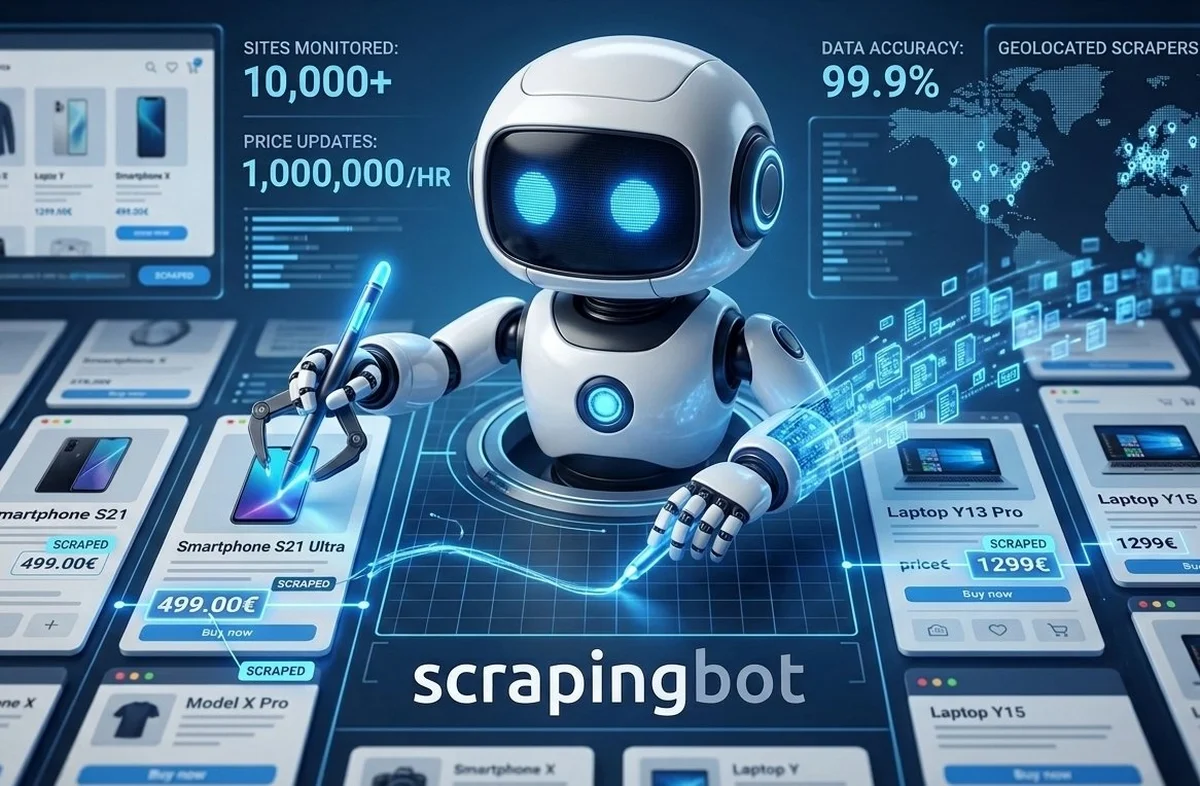
Want to monitor competitor prices in real time across Amazon, eBay, Rakuten, Temu, or Alibaba? This guide explains how to use ScrapingBot's price scraping API to collect, structure, and analyze competitor pricing data — continuously and at scale — and export it as JSON product sheets ready for your pricing engine. Whether you need a price scraping API for dynamic repricing or competitive intelligence, this tutorial covers everything.
Table of contents
- What is price scraping?
- Why real-time price monitoring matters
- Platform-by-platform analysis
- ScrapingBot's price scraping API
- Python tutorial: scraping competitor prices
- JSON product sheet output
- Key use cases: competitor price intelligence
- Price Scraping API: best practices
- Going further: continuous price monitoring
1. What is price scraping?
Price scraping is the automated extraction of pricing data from websites — product pages, category listings, or search results — using a scraper or API. It is a core component of any competitor price monitoring strategy, enabling businesses to track market prices continuously and in real time.
Unlike manual price checks, a price scraping API can monitor thousands of product listings simultaneously across multiple platforms, returning structured data ready for analysis or direct integration into your pricing engine.
Price scraping is used across industries — e-commerce, retail, travel, finance — wherever pricing is dynamic and competitive positioning matters. The collected data feeds into competitive price analysis, dynamic repricing engines, and strategic pricing decisions.
2. Why a price scraping API matters for real-time monitoring
In e-commerce, prices change constantly. A competitor can drop their price by 15% overnight, and without real-time price monitoring, you won't know until you've already lost the sale. Here's what continuous price tracking gives you:
- Competitor price visibility — see exactly how your prices compare at any given moment across all major platforms
- Dynamic pricing capability — adjust your prices automatically based on real-time market signals
- Margin protection — detect undercutting before it impacts your revenue
- Seasonal trend detection — identify price patterns during peak periods (Black Friday, back-to-school, flash sales)
- Product positioning analysis — understand where your product sits in the market and refine your pricing strategy accordingly
- Stock and availability monitoring — track out-of-stock events to identify supply gaps and pricing opportunities
The more frequently you scrape prices, the more accurate your pricing intelligence — and the faster you can react to market changes. For highly competitive categories like electronics or fashion, hourly scraping is standard practice.
3. Platform-by-platform analysis
Not all e-commerce platforms are equal when it comes to competitor price scraping. Each has its own pricing dynamics, data structure, and technical challenges. Here's what you need to know about the major platforms.
Amazon
Amazon is the most critical platform for price monitoring. Its algorithmic repricing means prices can change multiple times per day — sometimes per hour. Key data points to extract include the Buy Box price, third-party seller prices, Prime eligibility, and shipping costs. Amazon's aggressive bot detection makes a reliable price scraping API essential — direct scraping without IP rotation and JavaScript rendering will result in immediate blocks.
eBay
eBay combines fixed-price listings with auction formats, making it uniquely valuable for price benchmarking. Fixed-price listings give you a direct competitor price reference, while completed auction data reveals what buyers are actually willing to pay — a powerful signal for price positioning analysis. eBay's API is partially open, but category-level and seller-level scraping still requires a dedicated solution.
Temu
Temu has disrupted pricing across dozens of categories with ultra-low prices driven by direct-from-manufacturer sourcing. Monitoring Temu prices is now essential for any retailer competing on price — particularly in categories like home goods, fashion accessories, and electronics peripherals. Temu's frontend is heavily JavaScript-rendered, requiring full browser emulation for reliable extraction.
Alibaba & AliExpress
Alibaba and AliExpress are the primary sources for wholesale and retail price benchmarking against Chinese suppliers. Monitoring these platforms helps you track the factory-gate price of goods — a leading indicator of where retail prices are heading. AliExpress product pages include detailed pricing tiers, shipping options, and seller ratings, all extractable via ScrapingBot's API as structured JSON product data.
Rakuten
Rakuten is the dominant marketplace in Japan and has significant presence in France and other European markets. For brands operating in these regions, Rakuten price monitoring is essential for maintaining consistent cross-market pricing and detecting grey market activity.
Brand & retailer websites
Beyond marketplaces, direct competitor websites are often the most valuable source of pricing intelligence. Product pages on brand sites, retailer category pages, and promotional landing pages all contain pricing data that can be scraped continuously to track MAP (Minimum Advertised Price) compliance and promotional activity.
4. ScrapingBot's price scraping API
ScrapingBot's price scraping API is designed for developers and data teams who need reliable, scalable access to competitor pricing data. It handles JavaScript rendering, residential IP rotation, and CAPTCHA bypass automatically — so you get clean, structured data without infrastructure overhead.
Authentication is via a single API key, and responses are returned as normalized JSON product sheets regardless of the source platform. The same API call works on Amazon, eBay, Temu, and Alibaba — ScrapingBot handles the platform-specific parsing internally.
5. Python tutorial: scraping competitor prices
Install dependencies
pip install requests pandasThe requests library handles HTTP calls to the API. pandas is used for data normalization and export.
Basic setup for your price scraping API
import requests

USERNAME = "your_username"
API_KEY  = "your_api_key"

def scrape_price(url):
    api_url = "https://api.scraping-bot.io/scrape/retail"
    payload = {"url": url}

    response = requests.post(
        api_url,
        json=payload,
        auth=(USERNAME, API_KEY)
    )

    if response.status_code == 200:
        return response.json()
    else:
        raise Exception(f"Error {response.status_code}: {response.text}")
Scraping a product across multiple platforms
The following script scrapes the same product reference across Amazon, eBay, and AliExpress simultaneously, then normalizes the results into a single dataframe for competitor price comparison:
import requests, time, pandas as pd

USERNAME = "your_username"
API_KEY  = "your_api_key"

# Same product on different platforms
PRODUCT_URLS = {
    "amazon":     "https://www.amazon.com/dp/B09XYZ1234",
    "ebay":       "https://www.ebay.com/itm/123456789",
    "aliexpress": "https://www.aliexpress.com/item/1234567890.html",
    "temu":       "https://www.temu.com/goods.html?goods_id=12345",
}

def scrape_price(url):
    api_url = "https://api.scraping-bot.io/scrape/retail"
    response = requests.post(
        api_url,
        json={"url": url},
        auth=(USERNAME, API_KEY)
    )
    if response.status_code == 200:
        return response.json()
    return None

results = []
for platform, url in PRODUCT_URLS.items():
    data = scrape_price(url)
    if data:
        data["platform"] = platform
        results.append(data)
    time.sleep(1)

df = pd.DataFrame(results)
print(df[["platform", "product_name", "price", "currency", "availability"]])
Scheduling continuous price monitoring
To run real-time price monitoring on a schedule, wrap your scraping loop in a cron job or use Python's schedule library:
import schedule, time

def monitor_prices():
    print("Running price scrape...")
    for platform, url in PRODUCT_URLS.items():
        data = scrape_price(url)
        if data:
            save_to_database(data)  # your storage function
    print("Done.")

# Run every hour
schedule.every(1).hours.do(monitor_prices)

while True:
    schedule.run_pending()
    time.sleep(60)
Storing historical price data
A single price snapshot has limited value. To enable price trend analysis and detect seasonal patterns, store each scrape with a timestamp:
import sqlite3
from datetime import datetime

def save_to_database(data):
    conn = sqlite3.connect("prices.db")
    cursor = conn.cursor()

    cursor.execute("""
        CREATE TABLE IF NOT EXISTS prices (
            id INTEGER PRIMARY KEY AUTOINCREMENT,
            platform TEXT,
            product_name TEXT,
            price REAL,
            currency TEXT,
            availability TEXT,
            url TEXT,
            scraped_at TEXT
        )
    """)

    cursor.execute("""
        INSERT INTO prices
        (platform, product_name, price, currency, availability, url, scraped_at)
        VALUES (?, ?, ?, ?, ?, ?, ?)
    """, (
        data.get("platform"),
        data.get("product_name"),
        data.get("price"),
        data.get("currency"),
        data.get("availability"),
        data.get("url"),
        datetime.utcnow().isoformat()
    ))

    conn.commit()
    conn.close()
6. JSON product sheet output from your price scraping API
Every extraction via ScrapingBot's price scraping API returns a normalized JSON product sheet. Here's a typical response from an Amazon product page:
{
  "product_name": "Wireless Bluetooth Headphones Pro",
  "price": 49.99,
  "original_price": 69.99,
  "discount": "29%",
  "currency": "USD",
  "availability": "In stock",
  "seller": "TechStore Official",
  "rating": 4.3,
  "review_count": 1842,
  "platform": "amazon.com",
  "url": "https://www.amazon.com/dp/B09XYZ1234",
  "scraped_at": "2026-03-26T14:30:00Z"
}
Full field reference for the JSON product data response:
| Field | Example value | Type |
|---|---|---|
| product_name | Wireless Bluetooth Headphones Pro | string |
| price | 49.99 | float |
| original_price | 69.99 | float |
| discount | 29% | string |
| currency | USD | string |
| availability | In stock | string |
| seller | TechStore Official | string |
| rating | 4.3 | float |
| review_count | 1842 | integer |
| platform | amazon.com | string |
| scraped_at | 2026-03-26T14:30:00Z | string (ISO 8601) |
7. Key use cases: competitor price intelligence
Once your competitor price scraping pipeline is running, the data unlocks several high-value applications:
- Price positioning analysis — determine where your product sits in the market (cheapest, mid-range, premium) and adjust your strategy accordingly
- Dynamic repricing — feed scraped prices directly into your repricing engine to stay competitive automatically
- Price history & trend tracking — store daily price snapshots to detect trends, seasonality, and promotional cycles
- MAP compliance monitoring — detect resellers violating Minimum Advertised Price agreements in real time
- Cross-platform benchmarking — compare your pricing across Amazon, eBay, Temu, and Alibaba simultaneously
- Out-of-stock opportunity detection — when a competitor goes out of stock, it's the optimal moment to adjust your price upward
8. Price Scraping API: best practices
To get the most out of your price scraping API and maintain reliable, high-quality data, follow these guidelines:
- Define your product scope precisely — focus on directly comparable SKUs rather than entire category pages to keep your dataset clean and actionable
- Match scraping frequency to price volatility — Amazon prices can change hourly; niche retailer sites may only update weekly. Calibrate your scraping cadence accordingly
- Normalize currency and units — prices across Alibaba, eBay, and Rakuten come in different currencies and formats. Always normalize before comparison
- Validate data quality — implement checks to detect missing prices, implausible values, or scraping failures before data enters your pipeline
- Respect terms of service — always check the scraping policies of each platform and operate within legal boundaries
- Store historical data from day one — retroactive price history cannot be reconstructed. Start collecting and storing timestamps immediately
9. Going further: continuous price monitoring
Once your price scraping pipeline is running continuously, the next step is turning raw data into actionable intelligence. Plug the JSON output into a Plotly dashboard to visualize real-time price trends across platforms, or connect it directly to your e-commerce backend for automated repricing. For large-scale deployments, consider a time-series database like InfluxDB or TimescaleDB to efficiently store and query millions of price records over time. ScrapingBot also supports email scraping, real estate data extraction, and social media monitoring with the same unified API interface.
Ready to monitor competitor prices in real time? Get 500 free API calls when you sign up for ScrapingBot.
Try ScrapingBot for free →